
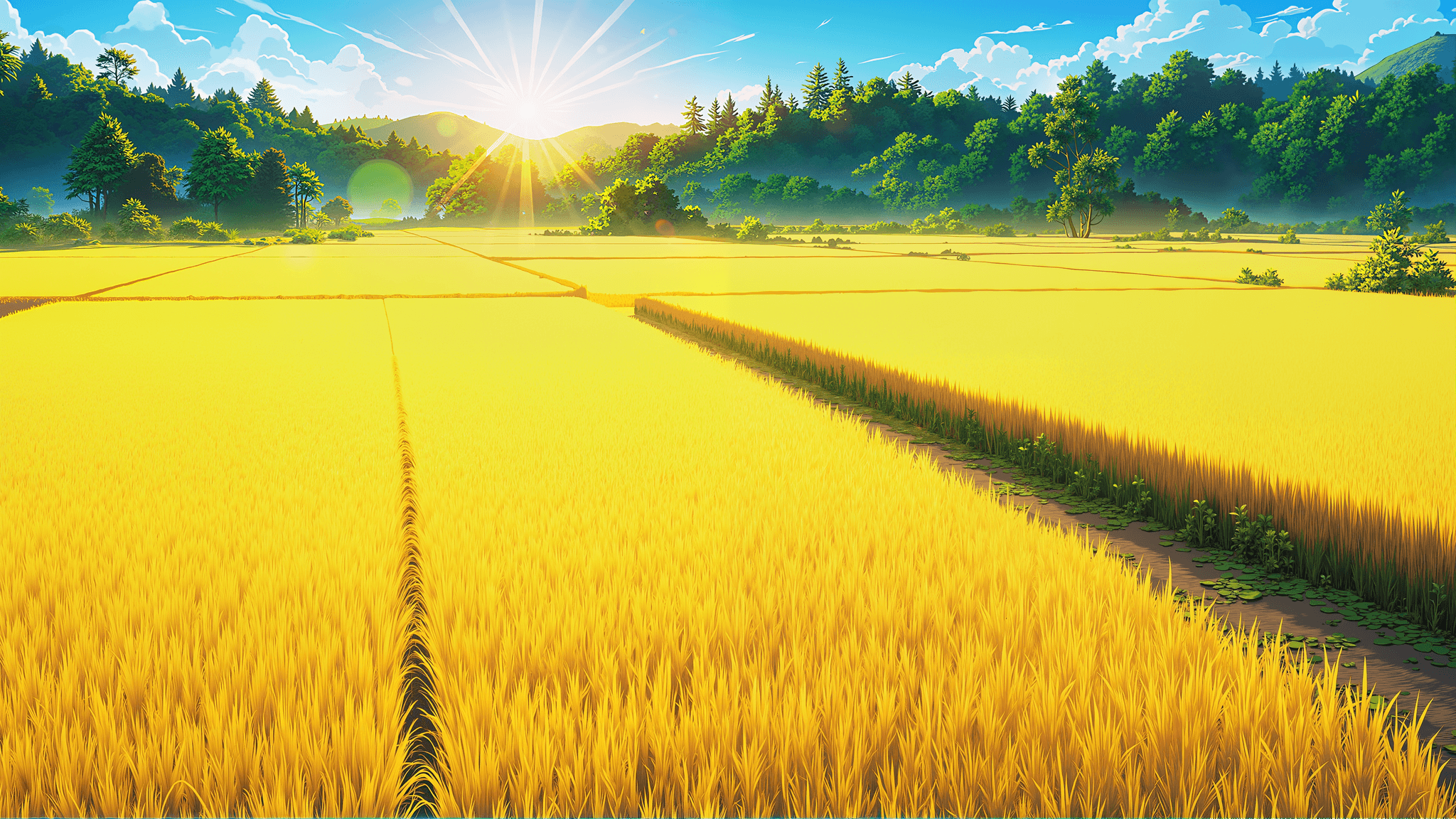
Welcome to VibeArt! This guide will help you get started with creating amazing AI-generated artwork. Whether you're a complete beginner or an experienced digital artist, you'll find valuable tips and techniques here.
Link to What is VibeArt?What is VibeArt?
VibeArt is a powerful AI-powered platform that transforms your ideas into stunning visual artwork. Using state-of-the-art machine learning models, we make it easy for anyone to create professional-quality images.
Link to Key FeaturesKey Features
Our platform offers several powerful features:
- Text-to-Image Generation: Describe what you want to see, and our AI brings it to life
- Style Transfer: Apply artistic styles to your images
- Image Enhancement: Upscale and improve image quality
- Custom Models: Train models on your own style
Link to Who is it For?Who is it For?
VibeArt is perfect for:
- Digital artists looking to explore new creative possibilities
- Content creators needing unique visuals
- Designers seeking inspiration
- Anyone curious about AI art
Link to Getting StartedGetting Started
Let's walk through the basics of creating your first artwork.
Link to Creating Your First ImageCreating Your First Image
- Navigate to the creation page
- Enter a detailed description of what you want to create
- Choose your preferred style and settings
- Click "Generate" and wait for the magic to happen
Link to Writing Effective PromptsWriting Effective Prompts
The key to great results is writing clear, descriptive prompts. Here are some tips:
- Be specific about what you want
- Include details about style, mood, and composition
- Use descriptive adjectives
- Reference artistic styles or movements
Link to Advanced TechniquesAdvanced Techniques
Once you're comfortable with the basics, try these advanced techniques.
Link to Using Negative PromptsUsing Negative Prompts
Negative prompts help you exclude unwanted elements from your images. For example:
text
Link to Adjusting Generation ParametersAdjusting Generation Parameters
Fine-tune your results by adjusting:
- Steps: More steps = more refined results (but slower)
- Guidance Scale: Higher values follow your prompt more closely
- Seed: Use the same seed to reproduce results
Link to Combining Multiple StylesCombining Multiple Styles
You can blend different artistic styles for unique results:
typescript
Link to Best PracticesBest Practices
Follow these best practices for the best results.
Link to Composition TipsComposition Tips
- Use the rule of thirds for balanced compositions
- Consider lighting and shadows
- Think about color harmony
- Pay attention to focal points
Link to Iterative RefinementIterative Refinement
Don't expect perfection on the first try. The creative process involves:
- Generate an initial image
- Analyze what works and what doesn't
- Refine your prompt
- Generate again with improvements
Link to TroubleshootingTroubleshooting
Having issues? Here are solutions to common problems.
Link to Image Quality IssuesImage Quality Issues
If your images aren't looking great:
- Increase the number of steps
- Try a different model
- Adjust the guidance scale
- Use more specific prompts
Link to Generation ErrorsGeneration Errors
If generation fails:
- Check your prompt for unsupported content
- Try simplifying your prompt
- Ensure you have sufficient credits
- Contact support if issues persist
Link to Community and ResourcesCommunity and Resources
Join our vibrant community to learn and share.
Link to Learning ResourcesLearning Resources
- Documentation: Comprehensive guides and API references
- Tutorials: Step-by-step video tutorials
- Blog: Regular articles about AI art techniques
- Discord: Connect with other artists
Link to Sharing Your WorkSharing Your Work
We love seeing what you create! Share your artwork:
- Tag us on social media
- Join our monthly contests
- Contribute to the community gallery
- Provide feedback to help us improve
Link to Next StepsNext Steps
Ready to dive deeper? Here's what to explore next:
- Experiment with different models and styles
- Join our Discord community
- Read our advanced tutorials
- Participate in creative challenges
Link to ConclusionConclusion
You now have everything you need to start creating amazing AI-generated artwork with VibeArt. Remember, the key to great results is experimentation and practice. Don't be afraid to try new things and push the boundaries of what's possible.
Happy creating! 🎨
Share this post
Sarah Johnson
AI art enthusiast and content creator helping people unlock their creative potential with VibeArt.